In AuditMaster, a server is a Pervasive PSQL server on which an AuditMaster event handler is running. The file amserver contains the server connection settings used by AuditMaster. This file is typically located on the server in the data folder of the AuditMaster installation directory.
|
2
|
|
3
|
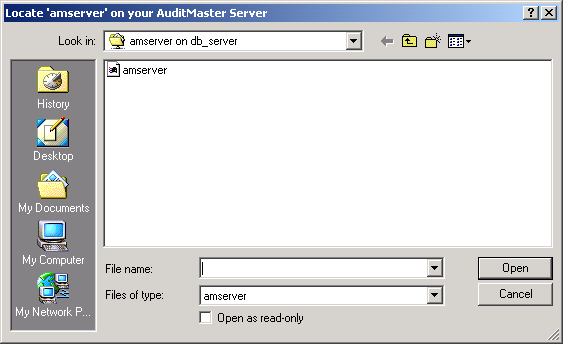
Enter the path to the file amserver to read the settings for the AuditMaster server to which you want to a client connection.
|
This path is \\server\PVSWAUDIT$\DATA\amserver in a default installation, where server is the name of the Pervasive PSQL machine with the database to be monitored. Note that a share name other than PVSWAUDIT$ may have been chosen.
|
4
|
Click Open.
|
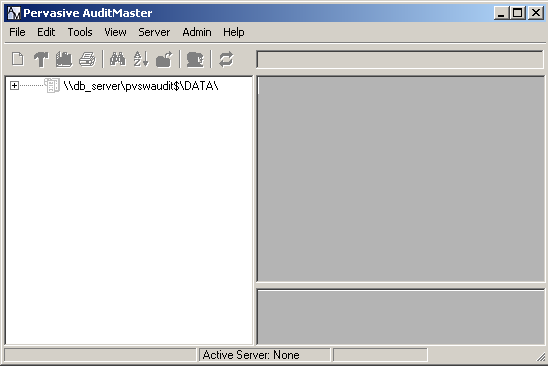
Note If your client is unable to connect successfully to the AuditMaster server, you may receive a –108 error message. The cause may be a faulty network mapping or other network problem. It may also involve a license key with too low a user count. See Authorization License.
|
5
|
Right-click a server configuration to select Login. You may also double-click.
|

Note The built-in user ID admin has the default password MASTER. Passwords are case-sensitive; user names are not. To change this password, see Changing Your User Password. For information on the relation of AuditMaster logins to database and OS logins, read under Displaying Audit Records under Pervasive PSQL Security.