Viewing Executions and Logs
Recent Executions
The main dashboard show the most recent executions (2 weeks and 100 executions maximum).
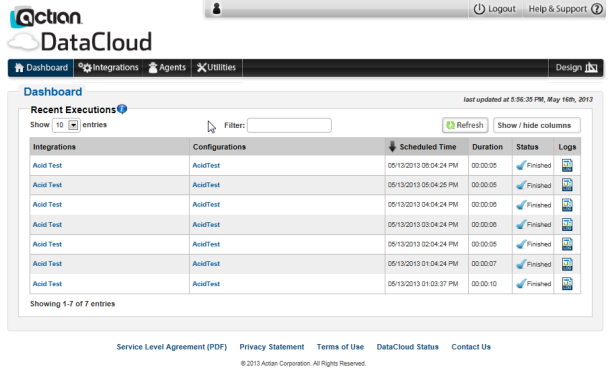
To view logs for recent executions
1. Select the Dashboard link on the navigation bar.
2. Click the Log  link for the desired execution.
link for the desired execution.Last modified date: 12/17/2021