Provide a License File and Access the DataConnect Studio IDE User Interface
To access the DataConnect Studio IDE
1. Double-click the downloaded DataConnect icon on your desktop.
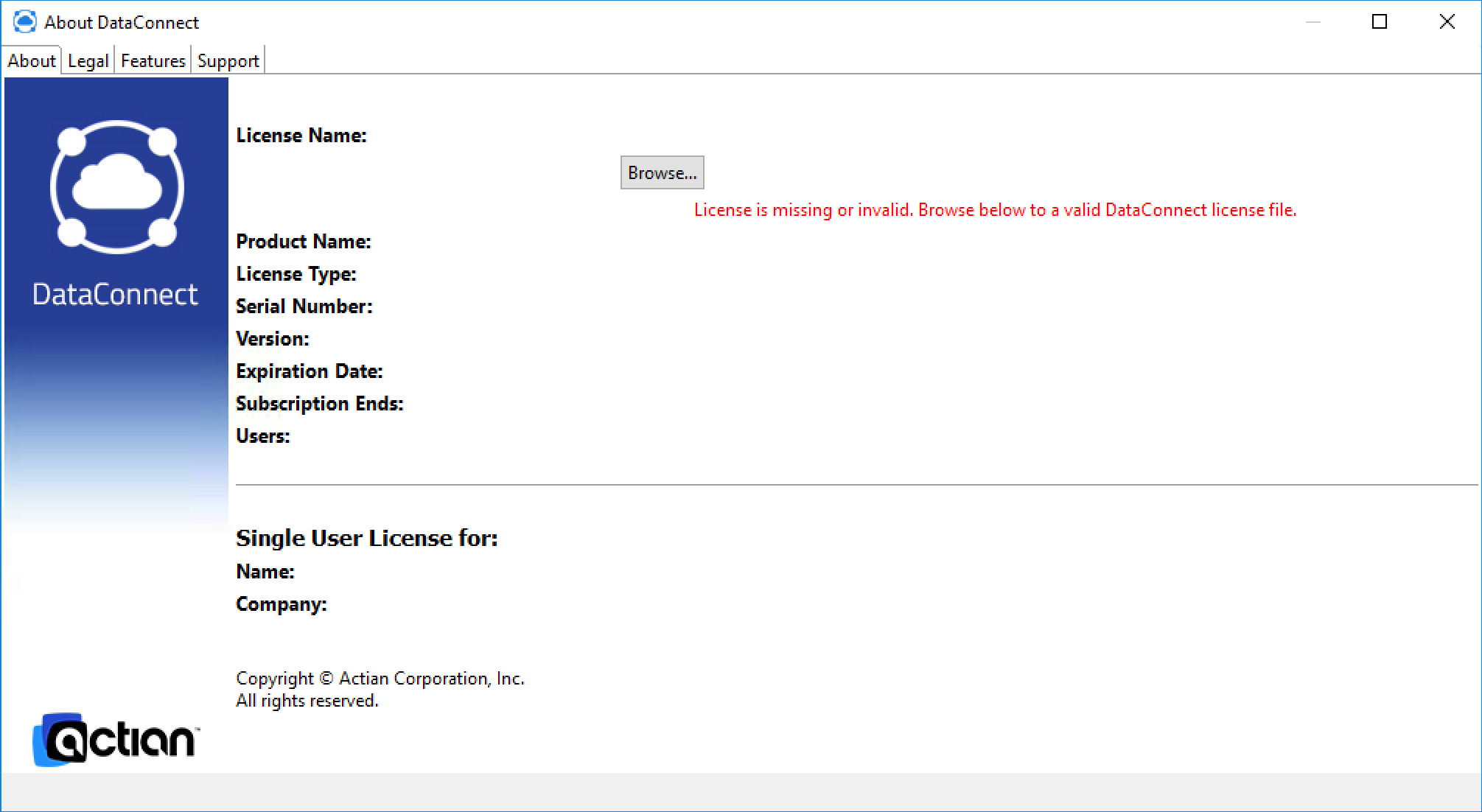
2. You are prompted to identify a license file.
3. Click Browse… to upload your DataConnect license file.
You may now use the DataConnect Studio IDE through AWS.