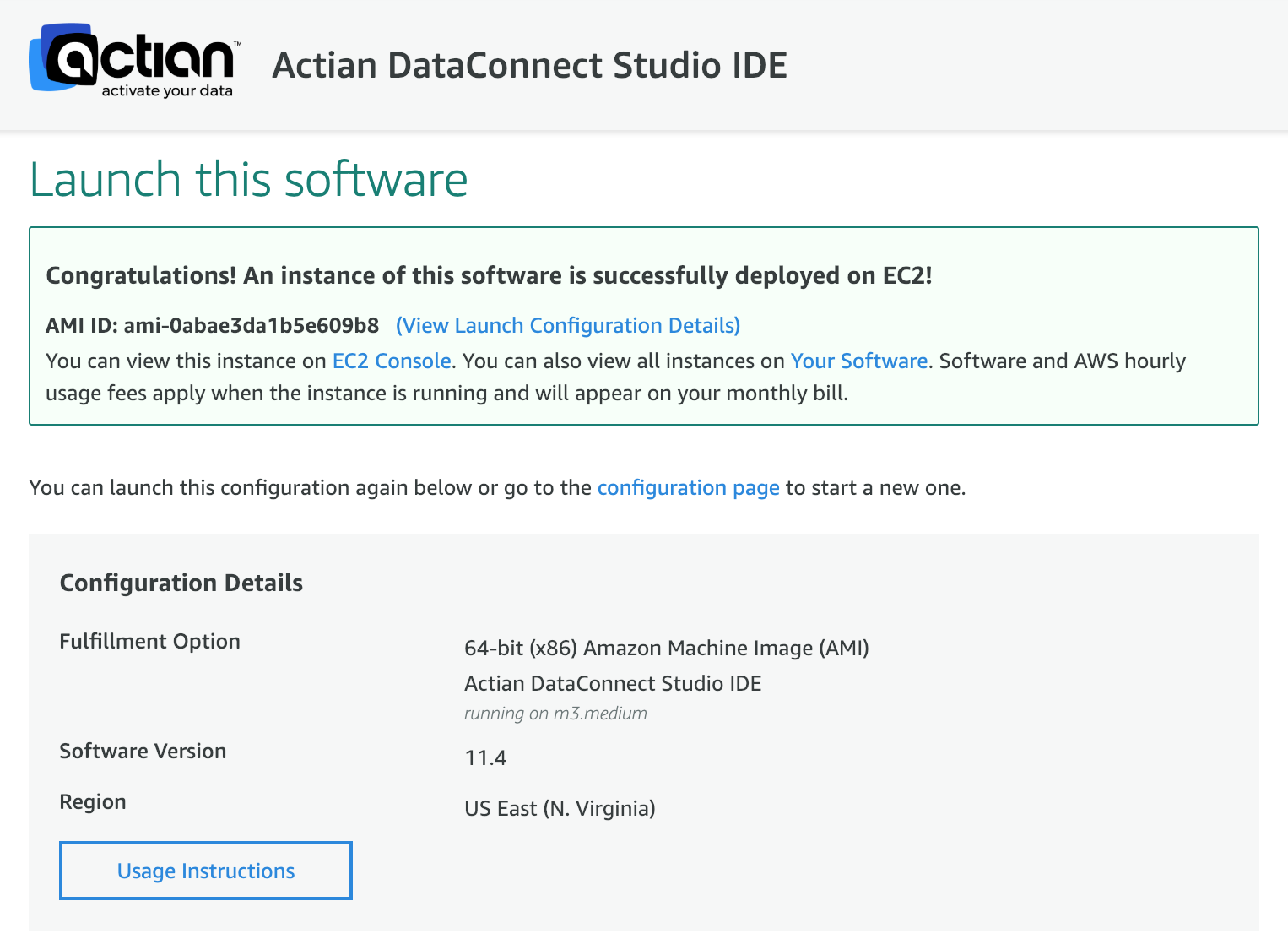
View the Instance on the EC2 Console
On the deployment page, click the EC2 Console link.
The AWS EC2 Console is displayed, listing your new instance as Running:
Note: You must wait for the instance to finish initializing before you can connect to it. While an instance is running, you are charged AWS usage time.