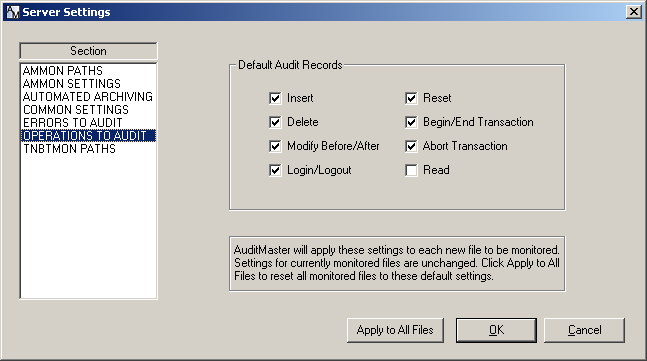
Note In a Pervasive PSQL database, when the client-side cache engine is turned on, the cache engine reads an entire database page after 8 consecutive reads in anticipation of more reads. The records in the database page read by the cache engine are not audited by the event handler on the server. If auditing requires that every read be captured, verify the setting is off. However, lack of engine caching can reduce database performance. The behavior occurs only when the threshold of 8 consecutive reads is reached. If 7 reads and then an update occurs, no caching occurs and all 7 reads are captured. In Pervasive PSQL Control Center, expand Local Client, right-click MicroKernel Router, and select Properties, then click Performance tuning to see the setting Use Cache Engine. By default, the setting is off.