Log In
To log in to Actian Data Platform
-
Point your browser to the following address:
-
Log in by clicking one of these options:
-
Continue with Actian Community – Opens a page where you can enter your Actian Community credentials (username and password) and click Log in.
-
Continue with Actian Platform User – Displays username and password fields. Enter your platform credentials and click Continue (or press Enter).
-
Continue with Google Cloud – The Google Sign in page is displayed.
-
-
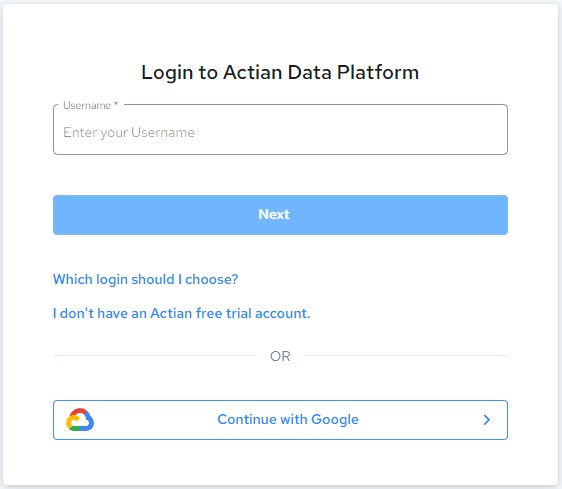
The Login to Actian Data Platform page displays.
-
Choose the appropriate login credentials and click Next.!
The Actian Data Platform displays.
Next Step |
Go to Create the Tutorial Warehouse. |
|---|---|