Import Queries
You may import one or more queries from an external .sql (text) file on your local system.
To import a query
-
In the navigation panel on the left, click Saved Queries.
The Saved Queries dialog opens.
-
Click the Import Queries link.
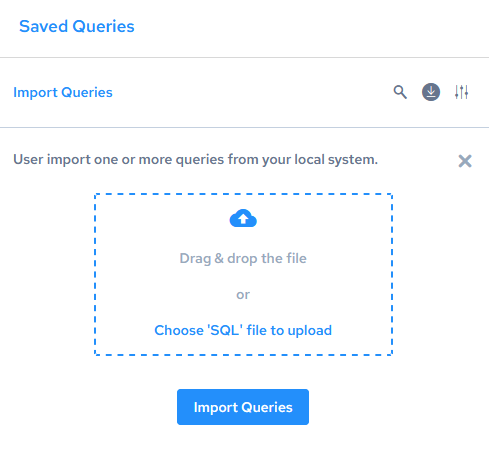
The dialog expands:
-
Either drag and drop one or more.sql files onto the box, or click “Choose ‘SQL’ file to browse files to add.
The file or files are listed below the box.
-
Repeat the previous step to add more files until you are finished.
-
Click Import Queries.
The queries are imported and displayed in query tabs.