Run a Query
To run a query in DBeaver
-
Click SQL Editor, SQL Editor (or press F3).
A SQL script window opens.
-
Copy and paste the following query statement in the script window:
-
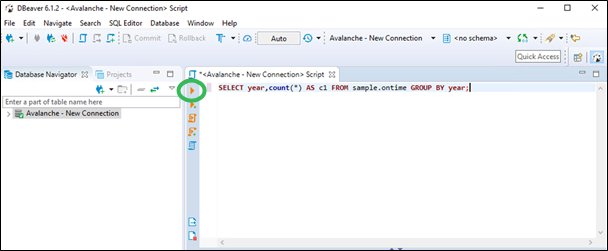
Press Ctrl+Enter to run the query or click the Play button:
-
Examine the results.
To run more sample queries, go to Run Sample Queries.