Jaspersoft Desktop User Guide
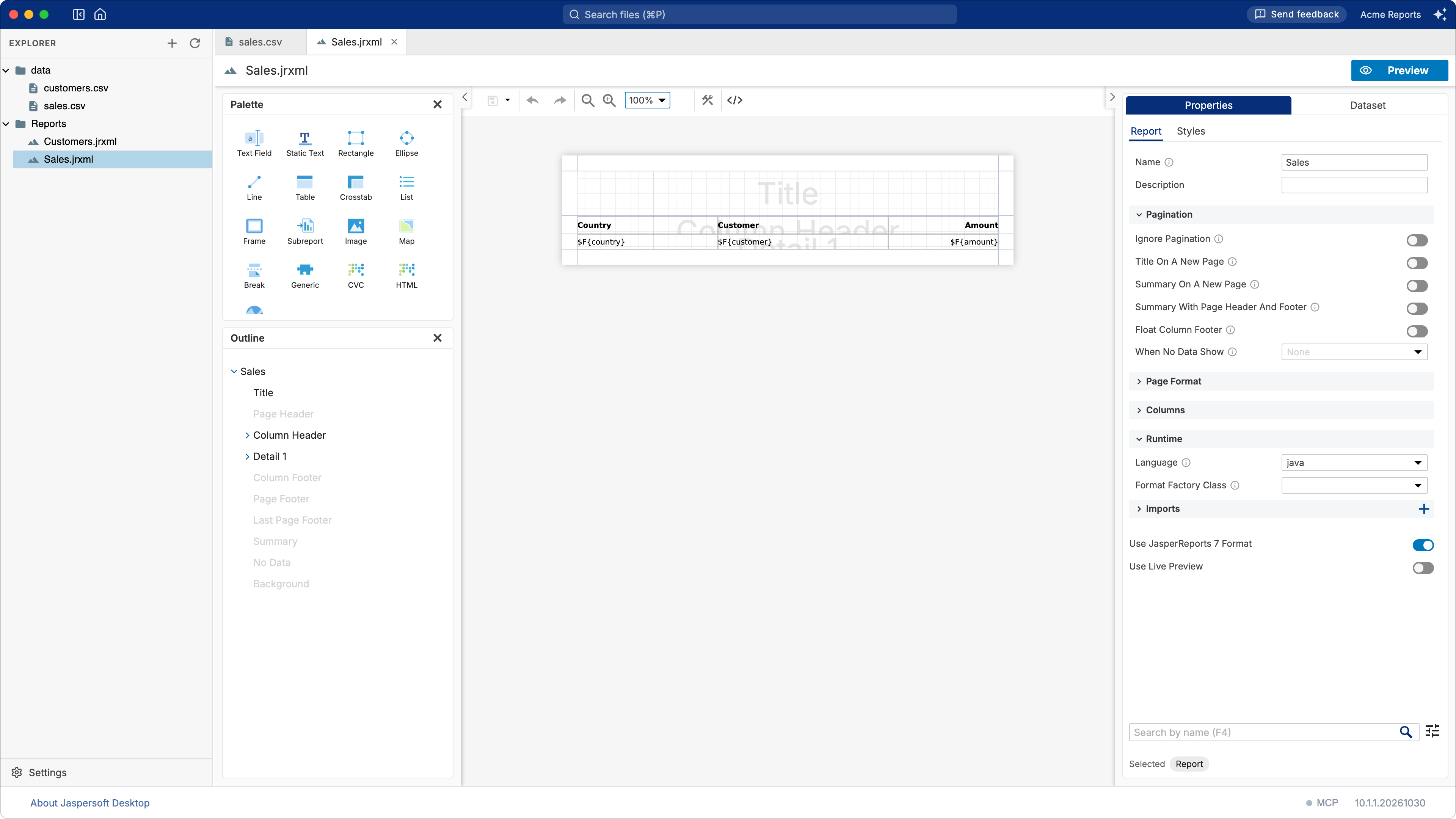
Jaspersoft Desktop designs JRXML reports on your own computer. A workspace is a folder you open from the home screen: the reports, data adapters and stylesheets of that folder are the ones you work on, in the repository you already keep them in, and every document is saved where it lies. It is the successor of Jaspersoft Studio, the Eclipse-based designer.
The application needs no JasperReports Server: the designer, the preview and the exports are its own, on your data or on the sample database it ships. It connects to a server when the reports you work on live there.
Applies to Jaspersoft Desktop 10.1.1.
Contents
Getting started
Learning
- Working with workspaces
- Creating your first report
- How a report works
- Tutorial: totals and grouping
- Tutorial: a filter with parameters
- Tutorial: a chart and a table
- Tutorial: orders and their lines, with a subreport
- Tutorial: working with the AI assistant
Reference