Google BigQuery
To set up a BigQuery connection, you need to specify the corresponding Google Project name. The Actian Data Observability service account must be granted access to the datasets requiring connections.
Prerequisites
Before setting up the connection, identify which service account you will use:
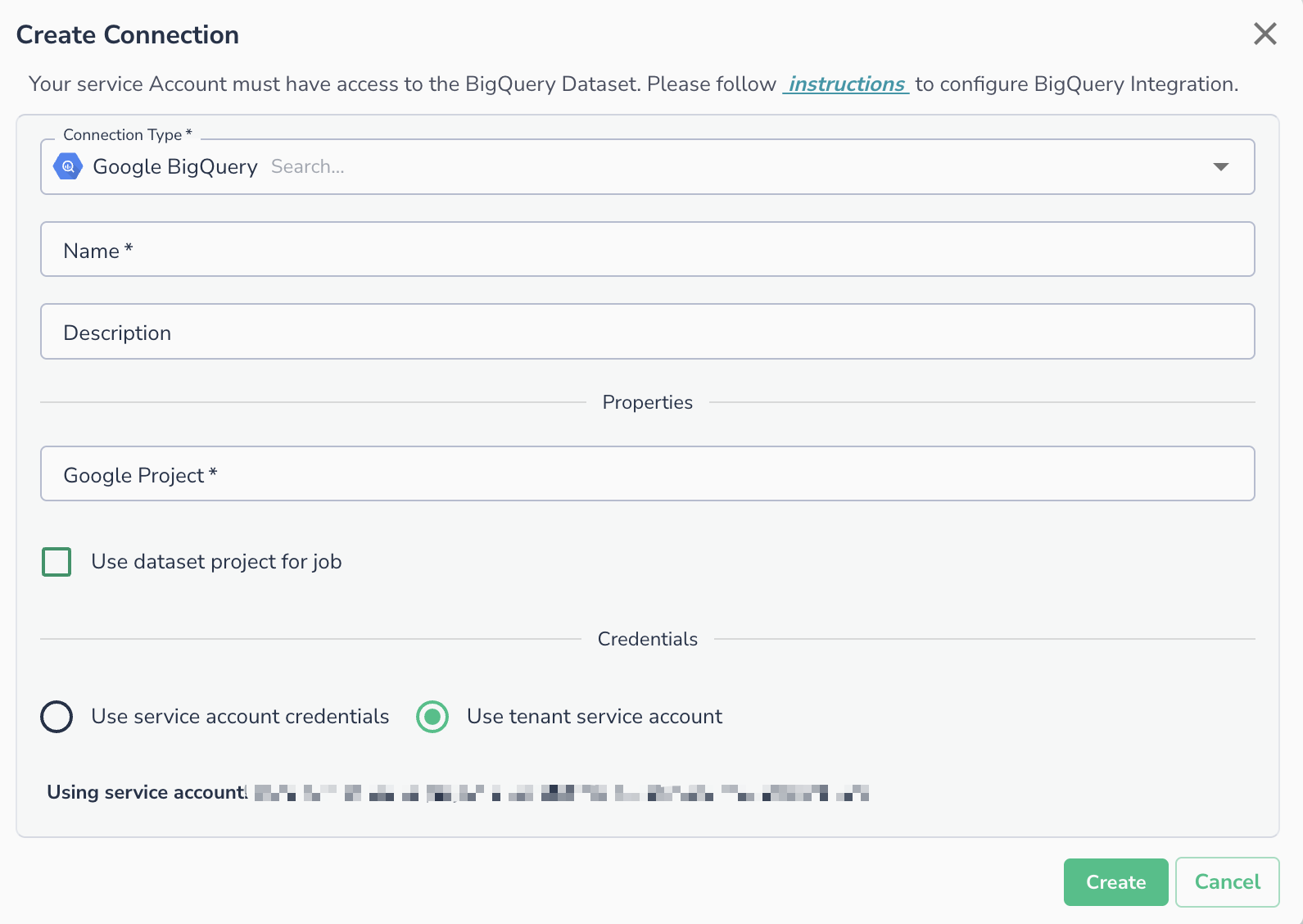
- Tenant service account: Actian Data Observability's managed (or impersonated) service account. This is only available for GCP deployments. To find your specific tenant service account, open the Create Connection dialog and select BigQuery. The service account will be displayed on that page.
- Your own service account: if you prefer to provide your own credentials.
This service account must have the right permissions to access and query the data.
Setting Up Permissions in Google BigQuery
- Go to Google BigQuery and locate your project:
Google BigQuery / <project> / <dataset> - Click Share or Add Member.
- In the New Member field, enter the service account identified in the prerequisites above.
- Assign the roles:
BigQuery Data ViewerBigQuery Metadata Viewer
- Save the settings.
Setting Up Permissions in GCP Project
The used service account must also be granted BigQuery Job User in the GCP project where the query is expected to run.
Creating the Connection in Actian Data Observability
BigQuery connections can be used to connect multiple data assets in Actian Data Observability using the same connection parameters. To add a BigQuery connection:
- Navigate to Actian Data Observability connection page and click the + Add Connection button.
- In the Create Connection dialog, select Google BigQuery as the Connection Type.
- Enter a Name for the connection (required) and an optional Description.
- Under Properties, enter your Google Project name.
- Optionally, check Use dataset project for job if you want the job to run under the dataset's project.
- Under Credentials, select one of the following:
- Use service account credentials - provide your own service account key.
- Use tenant service account - uses the Actian Data Observability-managed service account.
- Click Create.
Connecting an Asset
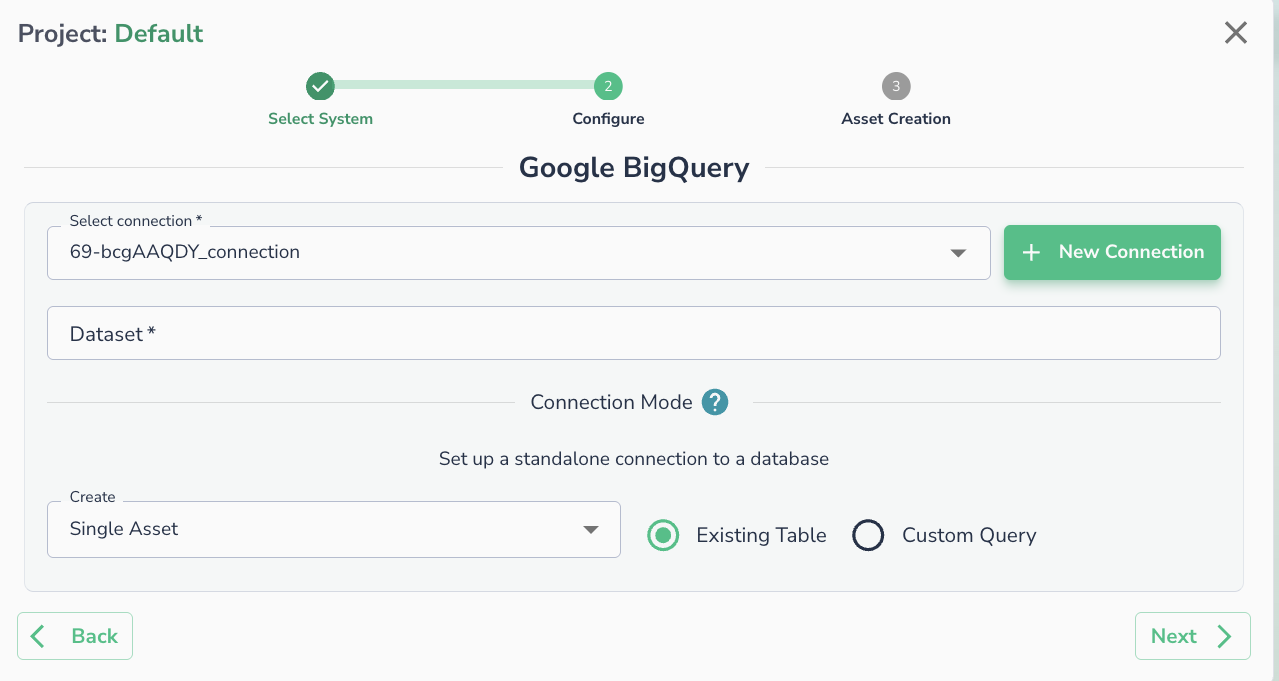
Once a connection is defined, you can start using it to create assets. To create assets, you will need:
- Dataset name
- [Optional] Custom SQL