File Path Options
For GCS and Amazon S3, users can specify either a single file name as input or provide a folder containing multiple files as input.
Single file
If sending a single file, then specify the full path of a json/csv/parquet file inside the bucket.
Copy
- Files cannot be compressed
- Files have an extension of csv, json or parquet.
- Csv files should have the header line.
Note
- The JSON file should be in Newline Delimited JSON format - with .json extension.
- Column Headers in Parquet file should not contain any spaces.
Folder
If a folder contains multiple files that are to be used as input, then specify the path of the folder inside the bucket, and ensure
- Path does not have a trailing slash
- All files in the folder have the same extension, either csv/json/parquet.
- All csv files should have the same header line
If folder2 contains all input files, then
Copy
Wildcard Support
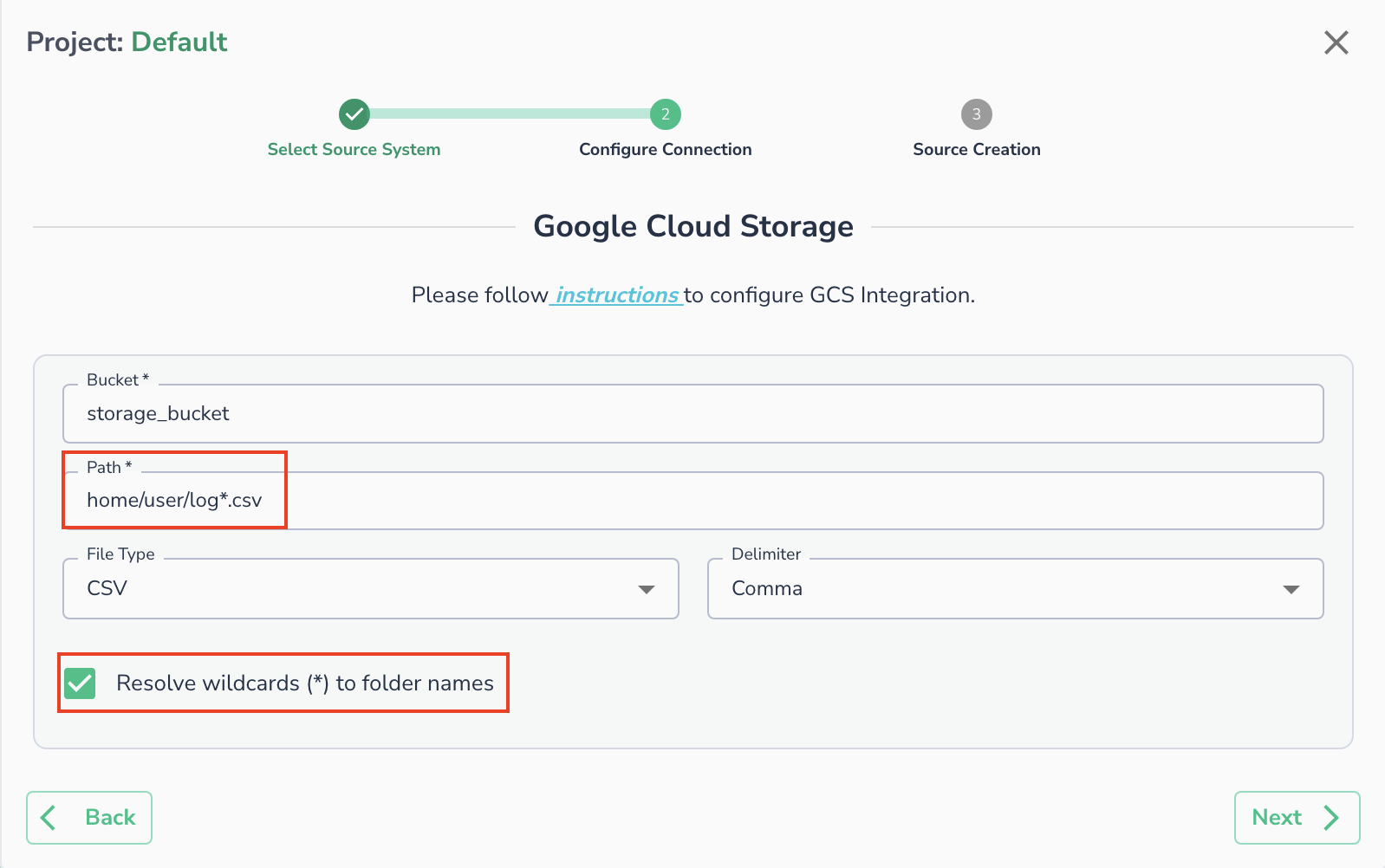
You can use a * in your file path to match your file path. To enable wildcard you need to select checkbox for "Resolve wildcards (*) to folder names"
For example: /<folder1>/log*.csv will match paths like /home/user/log_1.csv or /home/user/logs.csv.
Important
Currently only one * is supported in the path.